Daily Driving Linux
I use Linux. I'm a big fan. Let's talk about it.
1. What is it?
Linux is a free and open-source family of operating systems.
You can just install it on your computer and use it, like you would Windows or MacOS. It works!
I promise.
- It is inevitable; the majority of the internet runs on it.
- It is a solid, privacy-respecting alternative to Windows/macOS.
- It's kewl
Technically, Linux is just the kernel - there are many operating systems that are built on top of it, called distributions or "distros".
Let's talk about why you might want to use them, and where to get started.
2. Where I'm coming from
- Was an Apple family growing up, used windows a handful of times.
- Still use Apple at work (because the other option was Windows)
- Currently I use linux for everything: programming, amateur music production, gaming, taxes…
- I used to have a hyper-customized, keyboard-centric, tiling window manager setup, but I mostly stick to pre-configured defaults these days.
- Linux distros I have daily-driven (bold for >1 year):
- Debian
- Ubuntu
- elementaryOS
- Kubuntu
- Pop! OS
- Raspberry Pi OS / Raspbian
- Armbian (on Odroid SBC)
- Ubuntu
- Fedora
- RHEL (work servers)
- Arch
- Manjaro
- Void
- Alpine (docker mostly)
- Android (lol)
- Debian
3. Whyyyy?
- Microsoft sucks. Windows is a hellscape of advertisement and tracking.
- Personal note: I find it utterly unusable.
- Possibly a skill isue, WONTFIX
- Personal note: I find it utterly unusable.
- Historically, Apple makes good hardware with a tightly integrated UI and
software ecosystem
- 💰💰💰 (but improving?)
- The UI is getting worse, in my experience.
- It's hella proprietary
- Ok, technically the core darwin kernel is open-source, but good luck doing anything with it alone.
- Both are part of PRISM
- Linux ❤️ is community built and driven.
- Reasonable defaults on popular distros.
- You decide what's on your computer. Software management via package managers is a dream.
- You decide how it looks and behaves.
- Customize the heck out of it or just leave it as-is.
- You decide how/when to update.
- It's free and respects your privacy
4. 😭 There are a billion distros, where do I start 😭
- The main thing a distribution determines is:
- How often you get updates
- What/how much software is available in the package manager
- The default Desktop Environment, or how it looks and feels (but this can be changed just about anywhere)
- It kinda doesn't matter. Seriously. Just pick a popular/mainstream one and try it.*
Conventional recommendations:
- Ubuntu
- most widely supported distribution, managed by a for-profit company. 6-month release cycle with LTS every 2 years supported 5-10 years.
- Linux Mint
- community driven, focus on user-friendliness, defaults to a more windows-adjacent UI. Follows Ubuntu LTS (or Debian)
Diego's recommendations:
- Fedora
- Very up-to-date software while still fairly stable. Multiple modern
DEs supported. 6-month release cycle supported for ~1 year.
- Maybe the second-most supported after Debian lineage?
- Debian
- The basis for Ubuntu. Extremely stable. Very configurable. Good on servers or desktop. 2-year release cycle, supported for 5-10 years.
- Arch or Void
- you want to DIY your system (but still have it work). Rolling
5. 😍 Mother Debian appreciation 😍

- Community run, not corporate-managed.
- Only free software by default, easy to add non-free repositories or flatpak.
- Huge software repos, very configurable defaults
- Two-year release cycle. Rock. Fuckin. Solid. Only security updates within those two years. Can be extended to 5 years, or 10-ish.
- Peace of mind.
- Will run on your goddamn Tamagotchi.
- Ok false, but it supports a WIDE variety of hardware
- Can do you no wrong.
- Ubuntu is based on it, so it must be good, right?
- Fills you with a sense of civic duty and "just right"-ness
- Will provide a shoulder to cry on when nothing else makes sense.
(But I actually use Fedora on my Desktop because it's more up to date k thx byeee)
6. What works and what doesn't
- It's come a long, long way in the 10 years I've been using it.
- On fairly "regular" hardware, it mostly does just work: most games, streaming (or
anything in your browser), music (e.g. Spotify), documents…
- Sincerely, I haven't had "more" issues with Linux in the past
few years than with macOS
- Of course, I am biased.
- Please try it.
- Sincerely, I haven't had "more" issues with Linux in the past
few years than with macOS
- Do your research. A quick web search will go a long way.
- You don't have to use the terminal or write code to do things. With one of the major distributions, installation and usage can be fairly point and click.
- You do have to give up very proprietary or specialized software and hardware. If you can't, Linux may not work for you.
6.1. Software
- If you absolutely, definitely need specialized, highly proprietary software
for your job or because you're a power user, you may not have a good time.
- Adobe produts, or Microsoft Office, or Ableton Live, or <insert industry-standard, deeply proprietary software here>
- Most games work well through Proton, but some games don't (extremely new, or kernel-level anti-cheat).
Otherwise:
- Check if your software works on Linux already!
- Check if there's a viable Linux-native alternative: LibreOffice, Ardour (or Bitwig), Darktable, GIMP, or Krita
6.2. Hardware
- I wouldn't start with "I want this shiny computer, I will install Linux on it"
- Instead maybe: "What shiny computer best supports Linux?" or "Does mine?"
- For laptops, Thinkpad, Framework, Dell are fairly popular
- Intel and AMD tend to work great, NVIDIA… improving but good luck, idk.
- ARM isn't quite there yet (especially Apple Silicon, though it's a work in
progress)
- Consider Intel Core Ultra for battery life?
- I personally avoid the absolute latest and greatest. e.g., if you can get away with a great graphics card from 1 to 2 years ago, do that.
7. Oooh, aaah, prettyyyy
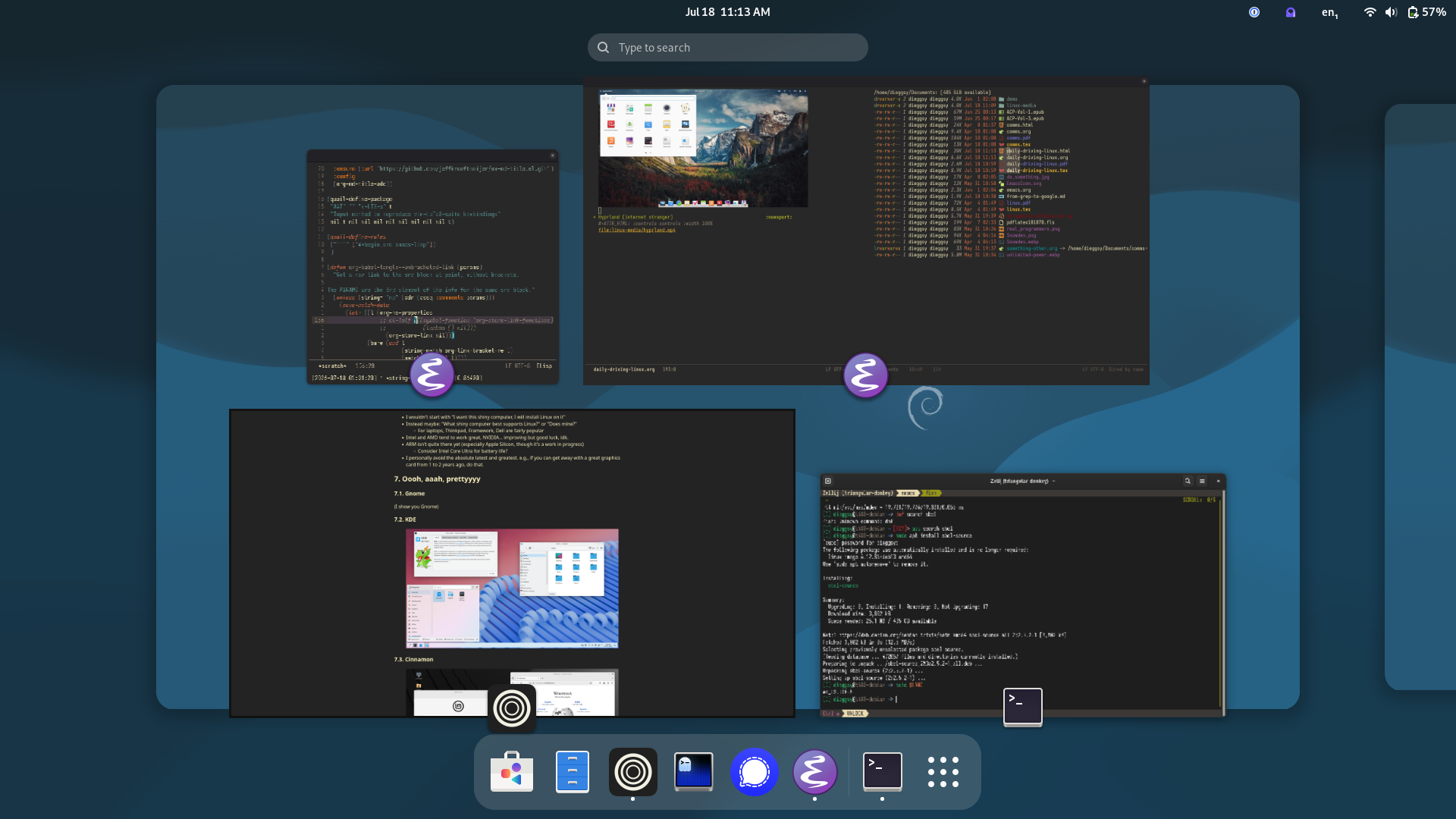
7.1. Gnome
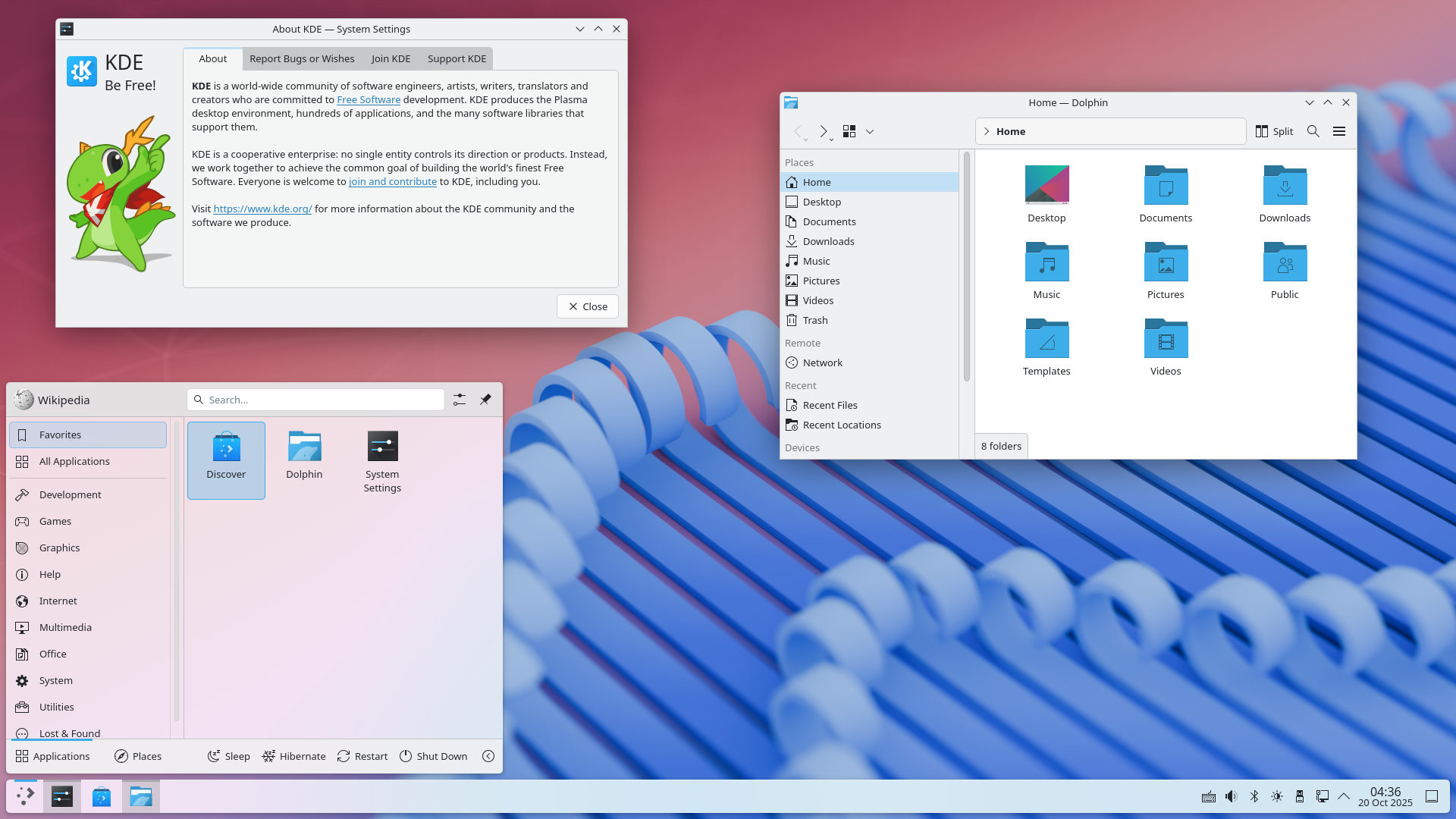
7.2. KDE
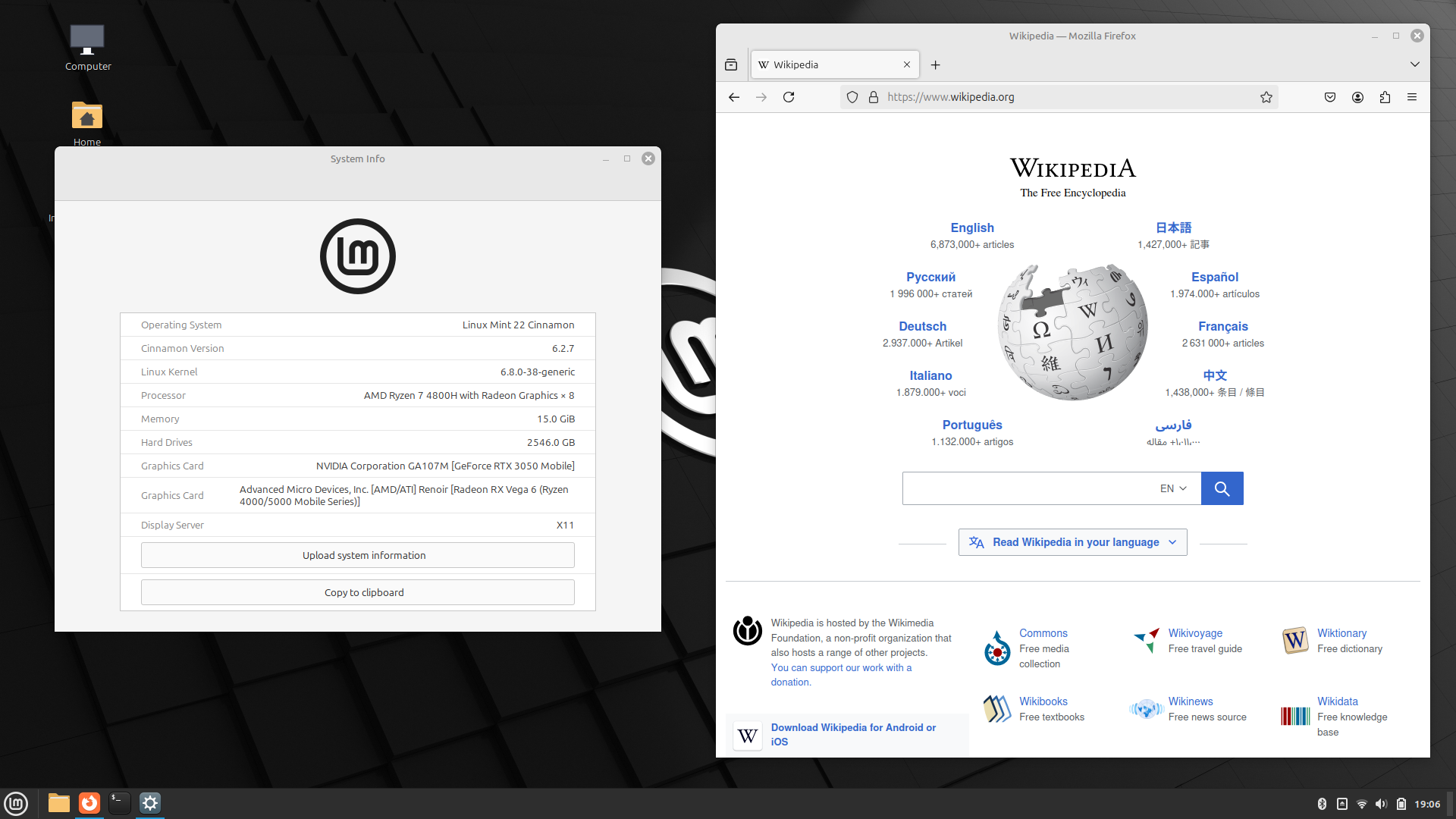
7.3. Cinnamon
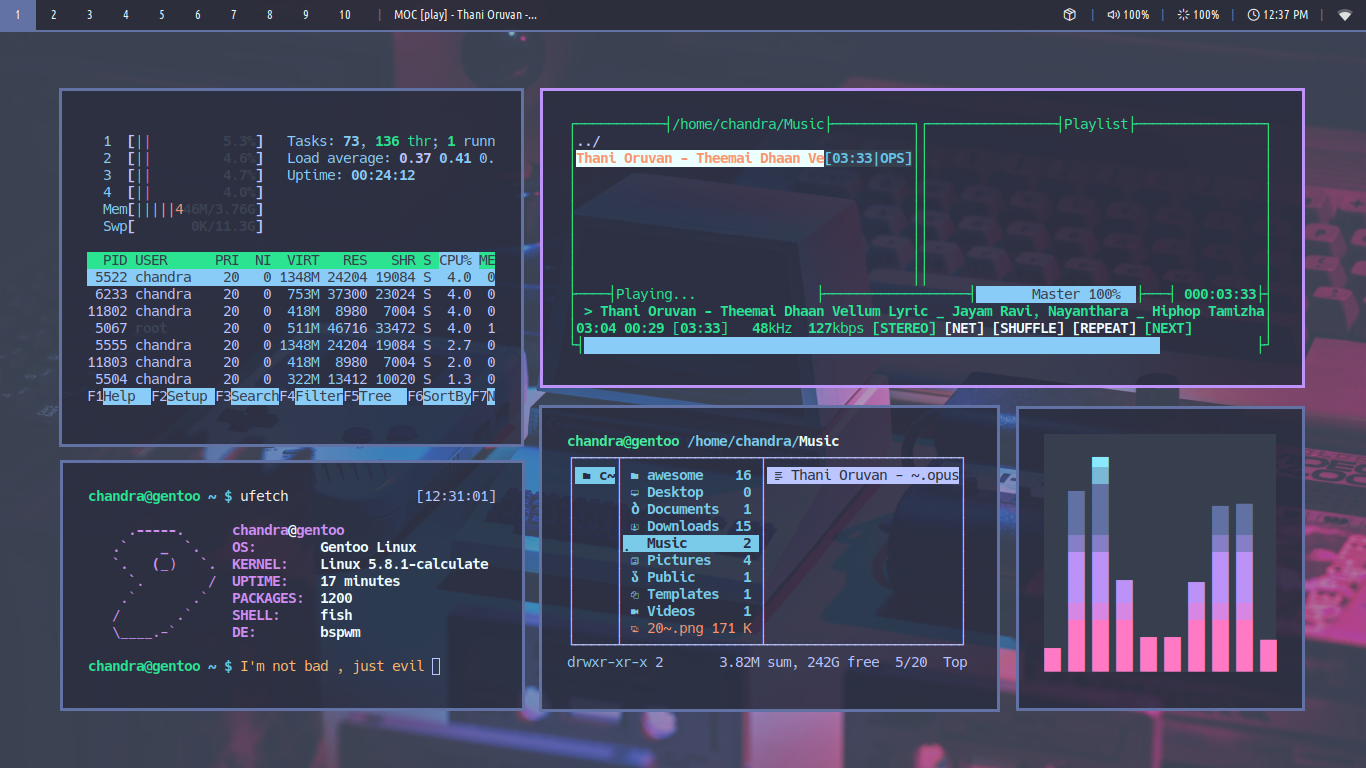
7.4. bspwm (internet stranger's customization)
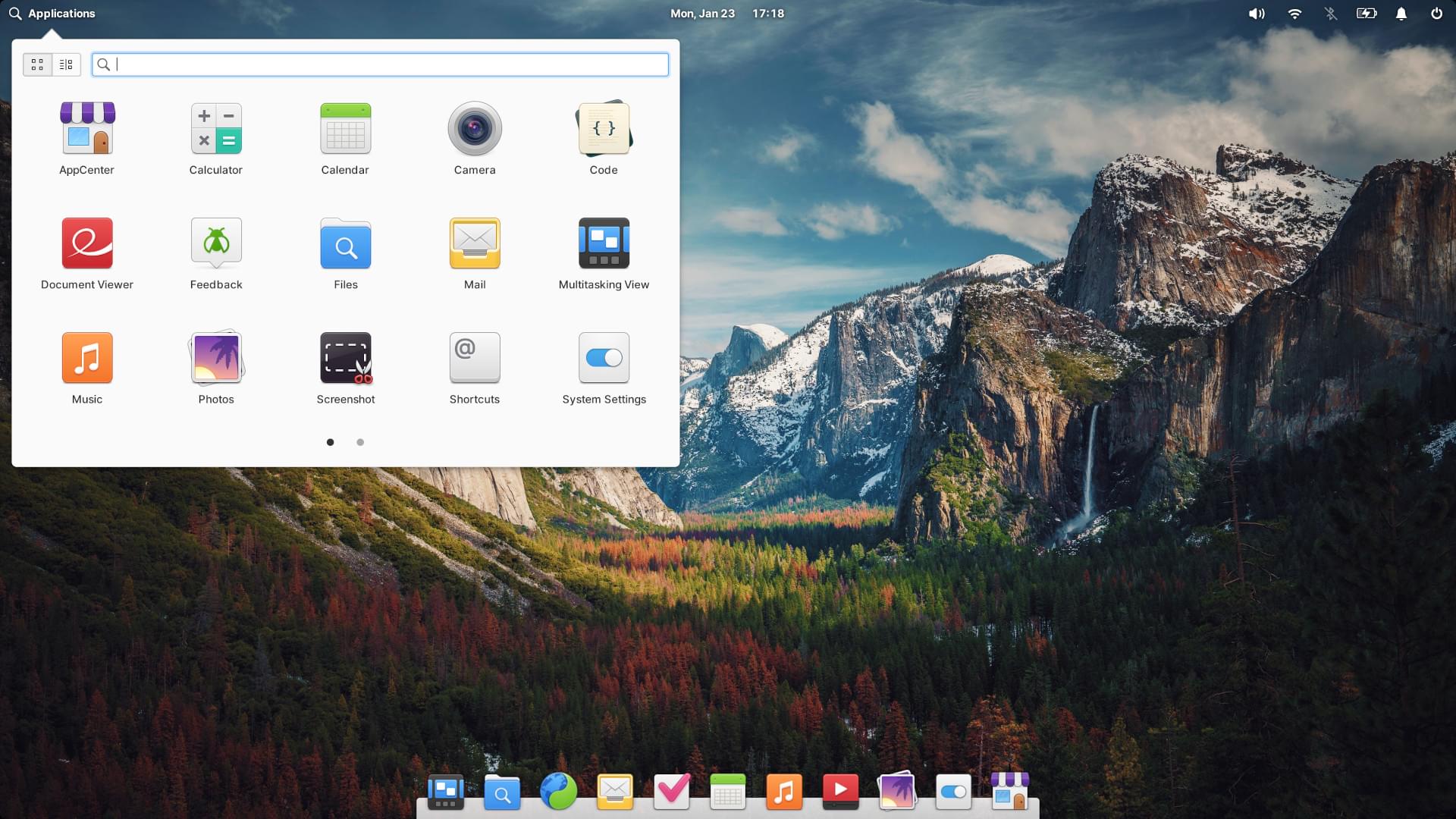
7.5. elementaryOS (macOS-like)